The ZFSBootMenu validation report records the tested Ubuntu releases, memory sizes, disk layouts, installer checksums, and remaining limits. Runtime validation uses disposable DigitalOcean infrastructure and native ARM64 VMs with UEFI.
| Workflow | Evidence |
|---|---|
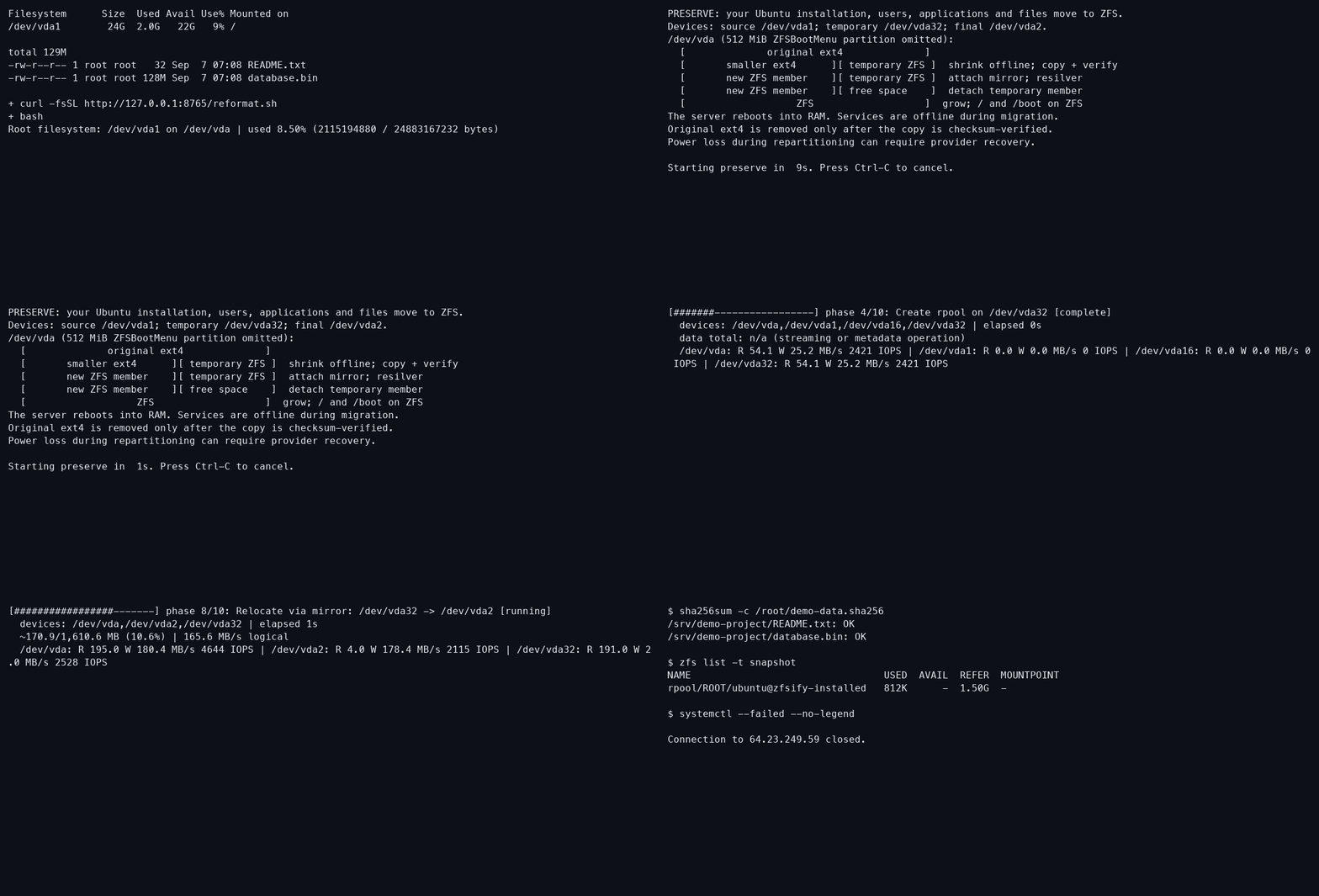
| Preserve Ubuntu and boot from ZFS | Root conversion recording, 512 MiB acceptance |
| Reinstall with bounded priority restoration | Erase-mode acceptance |
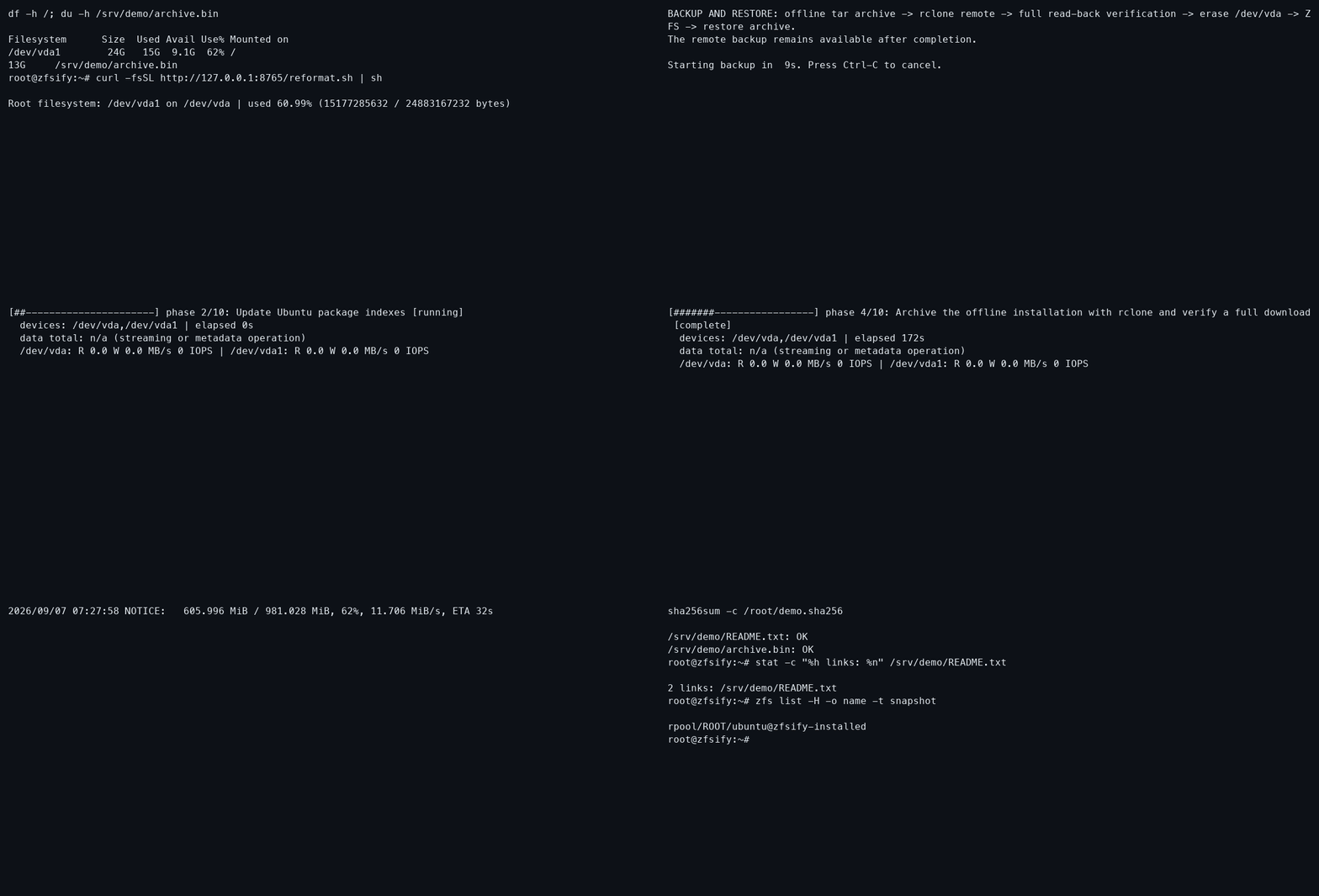
| Back up a full root drive with rclone, convert, and restore | Interactive recording, backup acceptance |
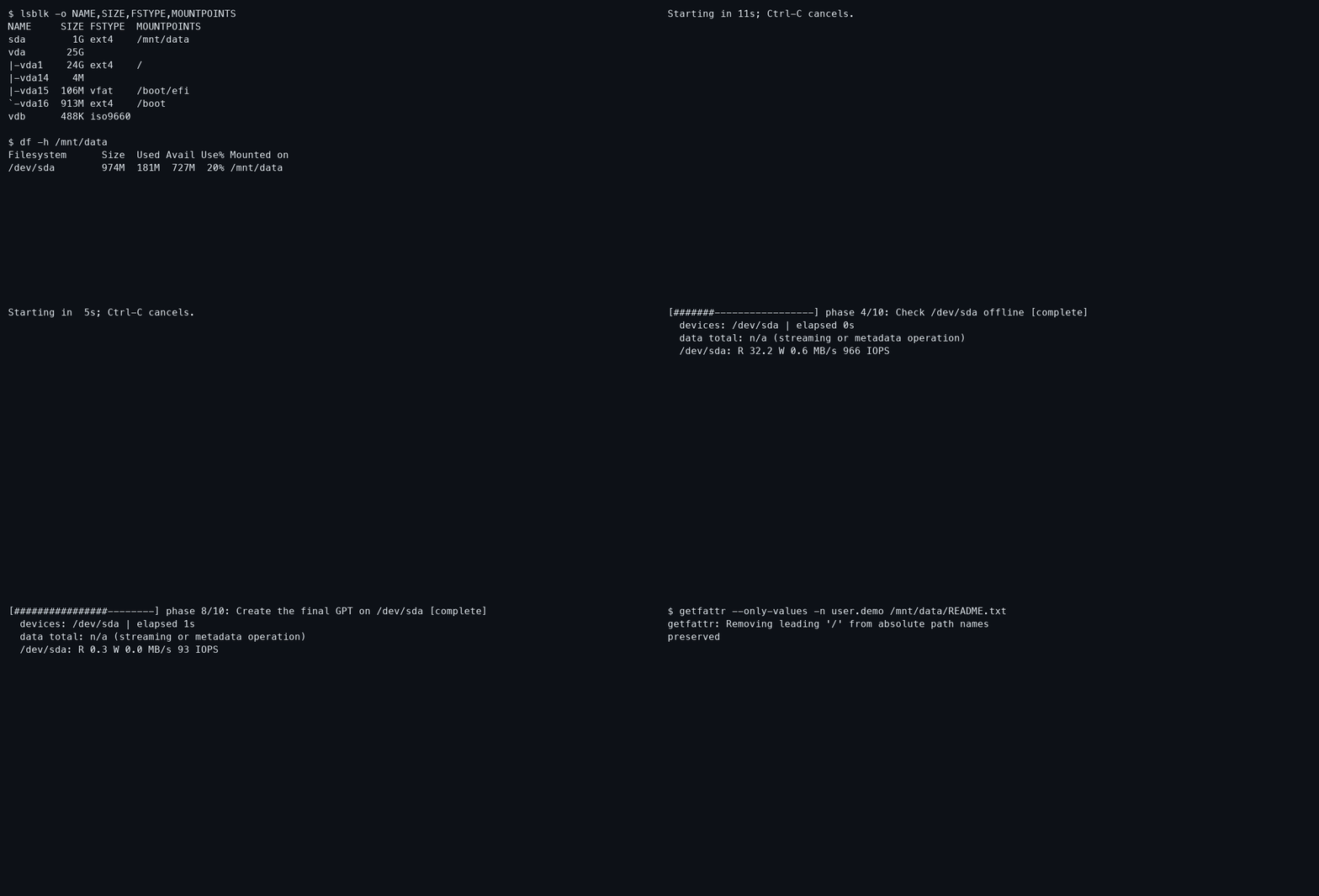
| Convert an attached ext4 Volume without rebooting | Volume recording, capture and verification notes |
| Initialize an empty attached Volume | Explicit erase-mode acceptance |
| Expand root and data pools after a provider disk resize | Automatic expansion evidence |
| Boot a snapshot clone and take automatic snapshots | Recovery and snapshot evidence |
| Restore RAM networking with gateway host routes and renamed NICs | DigitalOcean network regression — targeted route replay, not a full conversion |
| Preserve hardware/console boot arguments and NIC MTUs | Boot portability acceptance — full DigitalOcean conversion and subsequent reboot |
| ARM64 UEFI conversion, APT kernel maintenance, recovery clone, and disk growth | Ubuntu 24.04, 1 GiB |
| ARM64 UEFI conversion and APT kernel maintenance with 512 MiB RAM | Ubuntu 24.04, 10 GiB disk |
| ARM64 UEFI conversion, APT kernel maintenance, and recovery-clone boot with dracut | Ubuntu 26.04, 1 GiB |
| Experimental root conversion above 50% usage, interruption recovery, and growth | In-place validation |
| amd64 boot regression | Ubuntu 24.04 DigitalOcean acceptance |
| Temporary local key and passphrase rotation | ARM64 automatic boot, saved-key TUI, and manual unlock |
| DigitalOcean encrypted preservation and automatic boot | Ubuntu 24.04 BIOS, 1 GiB; preservation, scrub and initramfs rebuild/reboot |
| DigitalOcean encrypted slice conversion above 50% usage and manual unlock | 71% used, 1 GiB RAM; two manual boots, preservation, encryption and scrubs |
| DigitalOcean encrypted erase, passphrase rotation and snapshot recovery | Manual console unlock, initramfs rebuild and restored snapshot boot |
| Optional encrypted root on ARM64 | Conversion, boot and recovery |
The recordings offer selected highlights and full terminal captures. Their notes identify the installer build, fixture, timing edits, and acceptance results. The current phase captures contain terminal output only.
The cloud-init templates invoke the same installer after first-boot configuration. Their first-boot scheduling has not been separately tested end to end. Advanced pool-management and provisioning helpers have separate limitations in the volume guide.
DigitalOcean resize tests included enlarging the actual disk and booting normally; the installed services expanded the partition and ZFS pool without guest growth commands. CPU/RAM-only resizes do not increase disk capacity. Provider support is limited to the configurations actually recorded, rather than every image or VPS layout offered by a provider.
These reports retain results for their identified checksums and configurations. They are evidence, not setup instructions or claims about the current installer.